

If you are shopping for a business phone system in Dallas, Plano or Addison, the first real decision is not which desk phone to buy. It is where the brain of the system lives. That brain is the PBX (private branch exchange): the switch that runs your extensions, transfers, voicemail, hold music and auto attendant. With an on-site PBX, that box sits in your server closet and you own it. With a hosted PBX, also called a hosted phone system or cloud PBX, the provider runs it in a data center and you pay a monthly fee per user. Here is an honest look at both.
For most small and mid-sized DFW offices, a hosted phone system is the simpler, lower-risk choice. An on-site PBX still makes sense for some businesses: a large and stable headcount, in-house IT, or a fairly new system that still has years of support left. The rest of this guide explains how to tell which group you are in.
On-site (premise) PBX: hardware you buy and install in your office. It connects to phone lines from a carrier, either older analog lines and PRIs or newer SIP trunks over your internet. You or your phone vendor handle software updates, backups, replacement parts and changes.
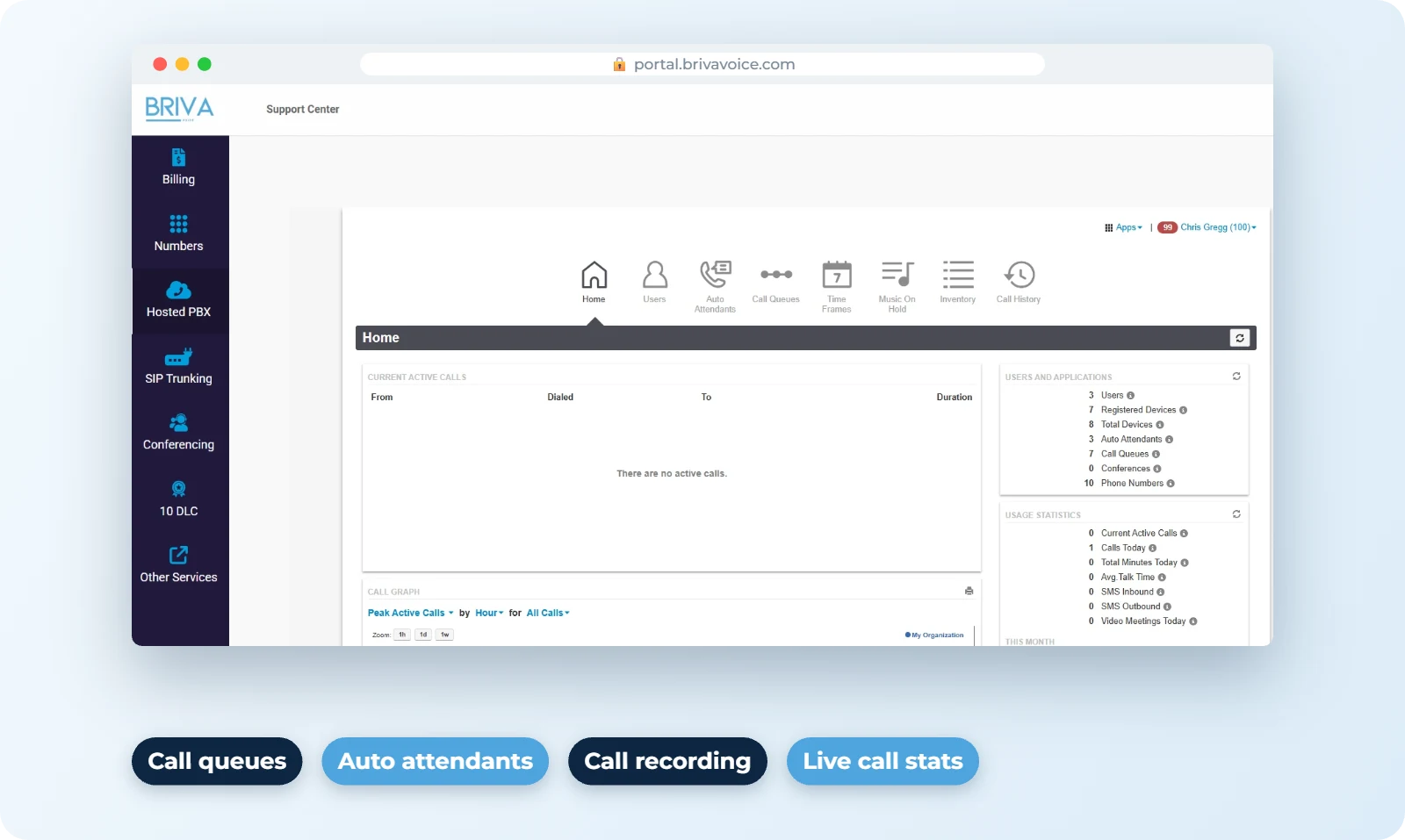
Hosted PBX: the provider runs the switch for you. Your desk phones, the mobile app and the desktop app all connect to it over your internet connection. Adding a new employee is a change in a web portal, not a new card in a cabinet.
The cost difference is mostly about timing. An on-site PBX is a capital purchase: the system, user licenses, installation and usually a maintenance contract. A hosted system turns that into a predictable per-user monthly bill that keeps going for as long as you use it. Even vendors that sell on-site systems, like Yeastar in its cost-of-ownership breakdown, point out that a higher upfront price does not automatically mean a higher total cost over the life of the system.
The practical rule: compare five years, not month one. Add up hardware, licenses, maintenance, phone line charges and the hours someone on your team spends managing it. For real DFW service and phone prices, see our business phone system cost guide.
This is the honest weak spot of hosted phones. If the office internet drops, desk phones stop working. The difference is that the system itself keeps running in the data center, so calls can automatically forward to cell phones or ring the mobile app instead of going nowhere. A second internet connection, such as cable plus fiber or a cellular backup, cuts the risk further. If you are comparing carriers, our page on business internet providers in Dallas covers the options.
With an on-site PBX, a failed power supply or circuit card can take the whole office down until a technician replaces the part, and calls may not route anywhere in the meantime. A hosted PBX does not have a single box in your building to fail, so callers still reach your auto attendant, voicemail or cell phones even when the office is dark.
Many older on-site systems in North Texas still run on analog copper lines or PRIs from AT&T. AT&T has been asking the FCC for permission to discontinue copper-based business phone service in more and more areas and has said it plans to retire most of its copper network by 2029 (Telecompetitor). If your current PBX depends on those lines, replacing them is part of your decision anyway, either with SIP trunks to keep the box running or by moving to a hosted system. While you are at it, check what else uses copper: alarm panels, fax machines, elevator phones and credit card terminals.
Federal rules under Kari's Law require multi-line phone systems to let anyone dial 911 directly, without pressing 9 first, and to notify someone such as the front desk when a 911 call is made. RAY BAUM'S Act adds a requirement to send a dispatchable location, meaning the street address plus details like floor or suite, with 911 calls. The FCC applies these rules to IP and VoIP systems, not just traditional ones (FCC MLTS 911 requirements). Older systems may be treated differently, but if you are buying, moving or upgrading, plan to meet them. With a hosted system, make sure every phone, including remote workers, has a current 911 address on file.
There is also a middle road: keep your on-site PBX and replace the copper lines with SIP trunks. It buys time, but you still own the hardware and the maintenance.
To be upfront, Briva Voice is a hosted provider, so we have an obvious leaning. If your on-site system is newer and working well, we will tell you to keep it. When it is time to switch, we pre-configure Yealink desk phones or Fanvil phones, port your existing numbers (see how number porting works) and install on site across North Texas. You can see how our Dallas business phone systems are set up.
Tell us how many users you have and what is in your server closet now. We will give you a straight answer, even if it is keep what you have. Call sales at 214-838-0771.
Get a quoteCall 214-838-0771More reading: VoIP vs traditional business phone lines · Briva Voice blog
